
Get Hifzly for Android
Download, install and start reciting in about a minute. Google Play and App Store versions are on the way.
Free to download. Every new install includes 7 days of Pro, no card needed.
Coming soon to Google Play and the App Store.
On iPhone? The iOS app is on its way. This download is for Android phones.
Installing takes four steps
Download the file
Tap Download for Android. If your browser warns that this type of file can harm your device, tap Download anyway.
Open it
Tap Open in the download notification, or find the file in your Downloads.
Allow this one source
If Android says your phone isn’t allowed to install unknown apps, tap Settings, turn on Allow from this source, then go back.
Install and start
Tap Install. If Google Play Protect asks, tap More details, then Install anyway. Open Hifzly and your 7 days of Pro begin.

On a computer?
Scan this code with your Android phone’s camera to open this page there.
What you need
An Android phone
Android 5.1 or newer. The iPhone app is in progress.
Your microphone
Recite mode, Live Follow and the Tajweed Coach listen while you recite. Recordings aren’t kept.
A little space
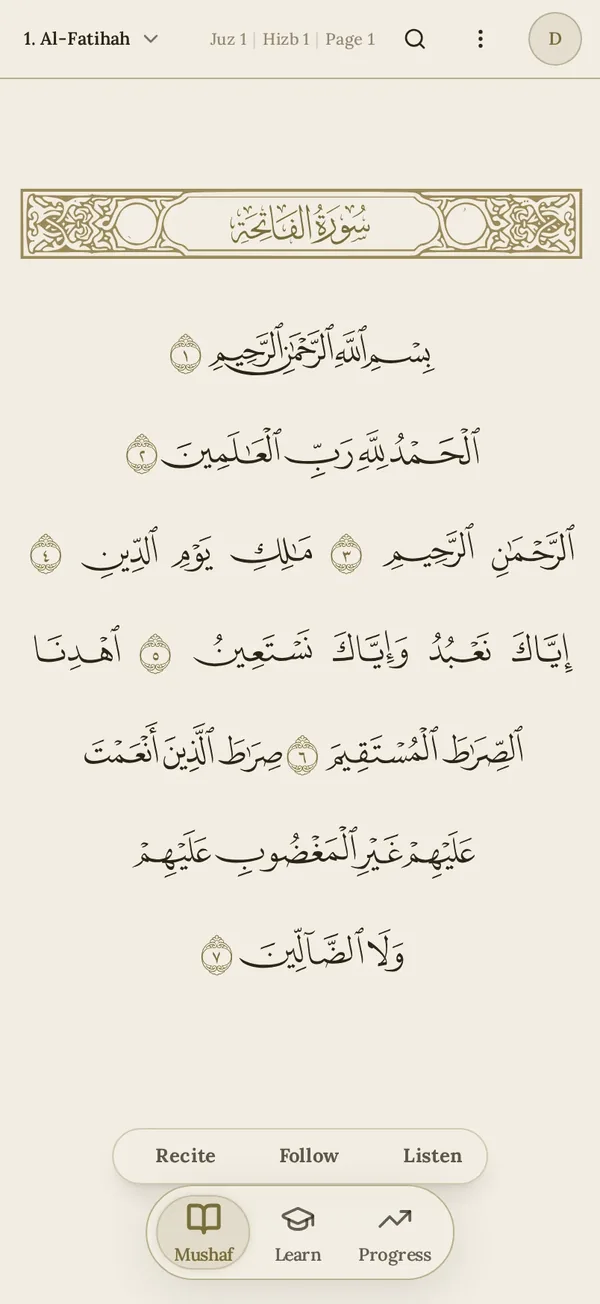
The whole Mushaf is included in the app. Reciter audio downloads only when you choose.
Only install Hifzly from hifzly.net
We never send the app as a file in WhatsApp or other chats. If someone forwards you an APK, delete it and download from this page instead.
Write to us
Stuck on a step, or have a question before you install? Write to us and the person who builds Hifzly will answer.
Get help